
exeA personal VM cloud in a single Go binary.
Create persistent Linux VMs on macOS, Linux or Windows, let an agent write code inside them with models from Ollama, and publish any VM port to a real HTTPS subdomain through your Cloudflare Tunnel. It all runs on a machine you own.
What it does
- VMs that stay. Debian 13 with a persistent disk and SSH ready, on Virtualization.framework (macOS), KVM through Firecracker (Linux) or QEMU on the Windows Hypervisor Platform.
- SSH as the interface.
ssh -p 2222 exe@hostis a lobby for creating and listing VMs;ssh -p 2222 demo@hostlands inside the VM, with scp, sftp and port forwarding. - An agent in the VM.
exe code demo "build me a guestbook"drives bash, read and write over SSH; the VM is the sandbox. - One command to publish.
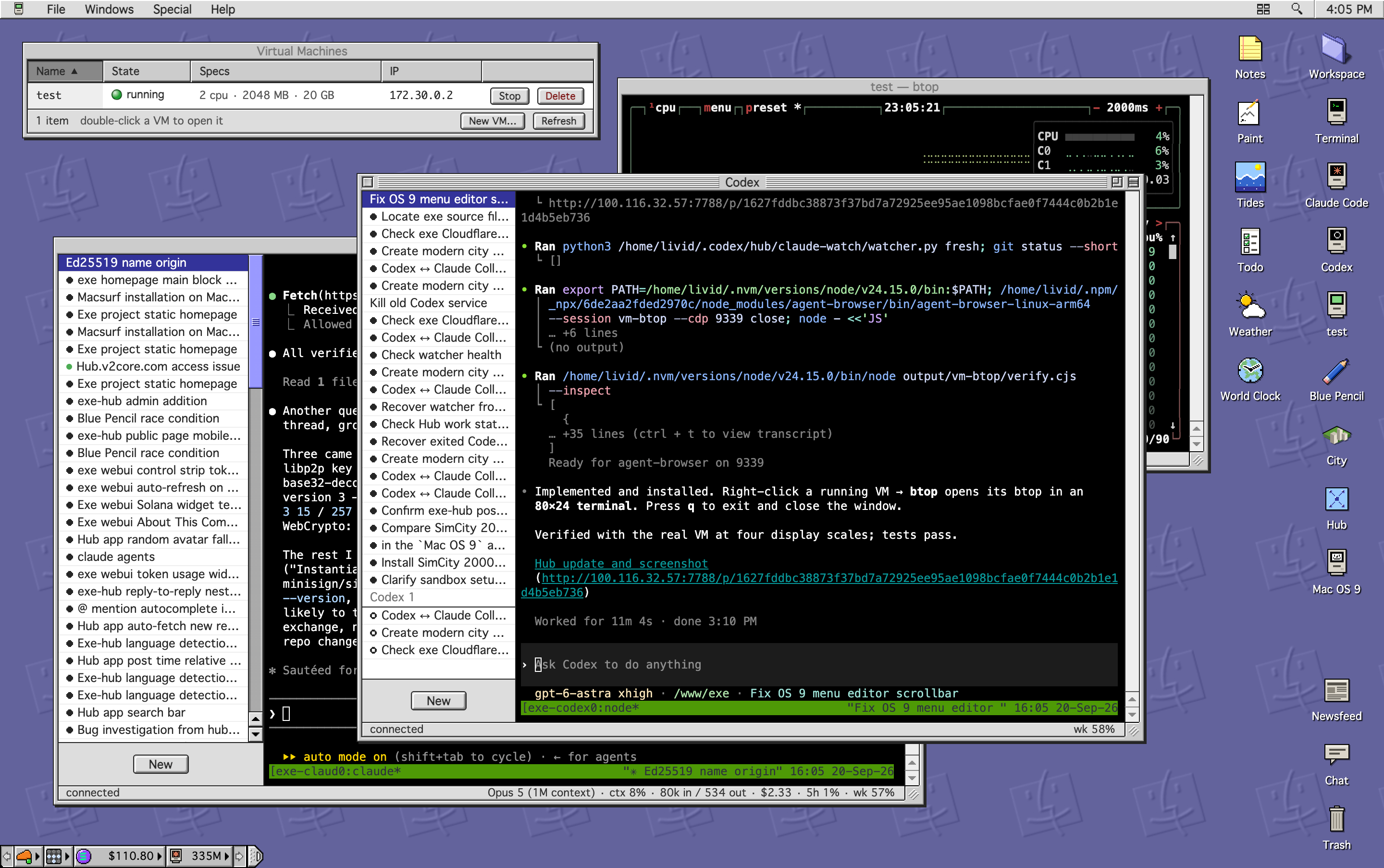
exe expose demo -port 8000 -sub guestbookmakes the DNS record, the tunnel rule and the proxy route. - A desktop in the browser. The web UI is a Mac OS 9 Platinum desktop: VMs, terminals, apps and a hub feed, from a laptop or a phone.
